
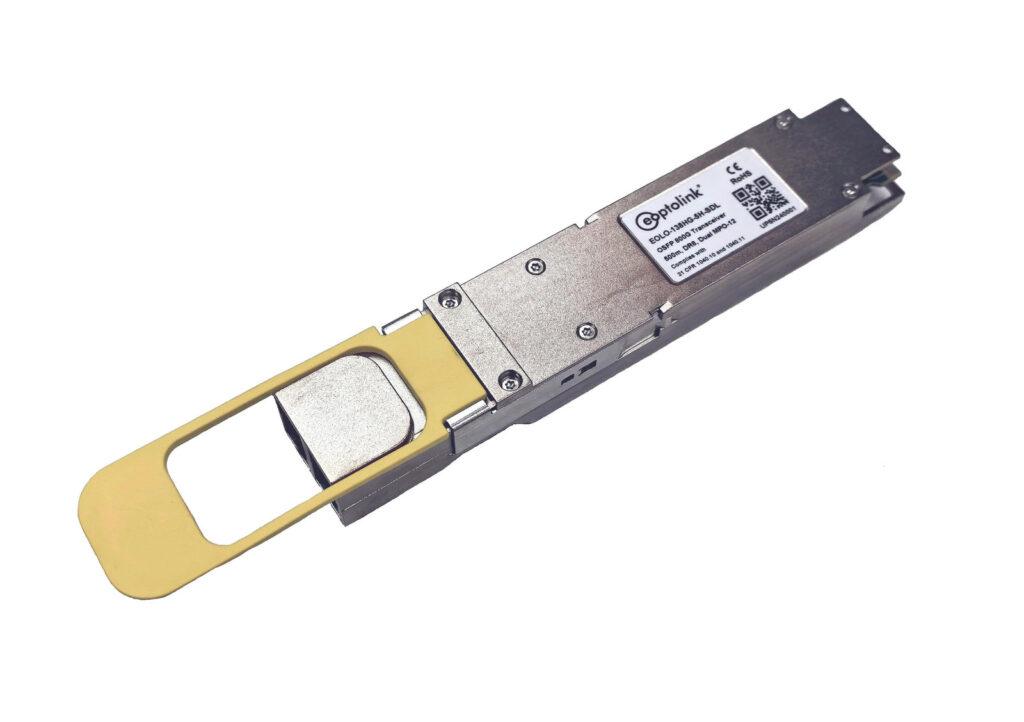
Choose an 800G optical transceiver by its host platform, operating mode and optical interface—not by the “800G” label alone. First confirm the switch or NIC model and software release. Then match the module form factor, link speed, fiber, connectors, power limit and approved far-end optic.
That sequence matters when one purchase order must cover switch-to-switch links, 400G server breakouts and several cable routes. This guide turns those requirements into a selection table and an RFQ checklist, so engineering and purchasing can agree on exactly what to order.
Where 800G fits in an AI data center
An 800G transceiver converts a supported host’s electrical signals into optical signals and receives traffic in the opposite direction. In an AI scale-out network, the relevant decision is the capacity and topology of the network link between systems. An optical module does not, by itself, increase GPU compute performance.
IEEE 802.3df-2024 defines Ethernet additions for 400 Gb/s and 800 Gb/s operation. The rate names describe Ethernet interfaces; application throughput also depends on the rest of the network and workload. IEEE standard overview
Before choosing optics, write down what each link connects. An 800G switch uplink, two independent 400G server links and an inter-building connection can require different modules even when the purchasing spreadsheet groups them all under “800G.”
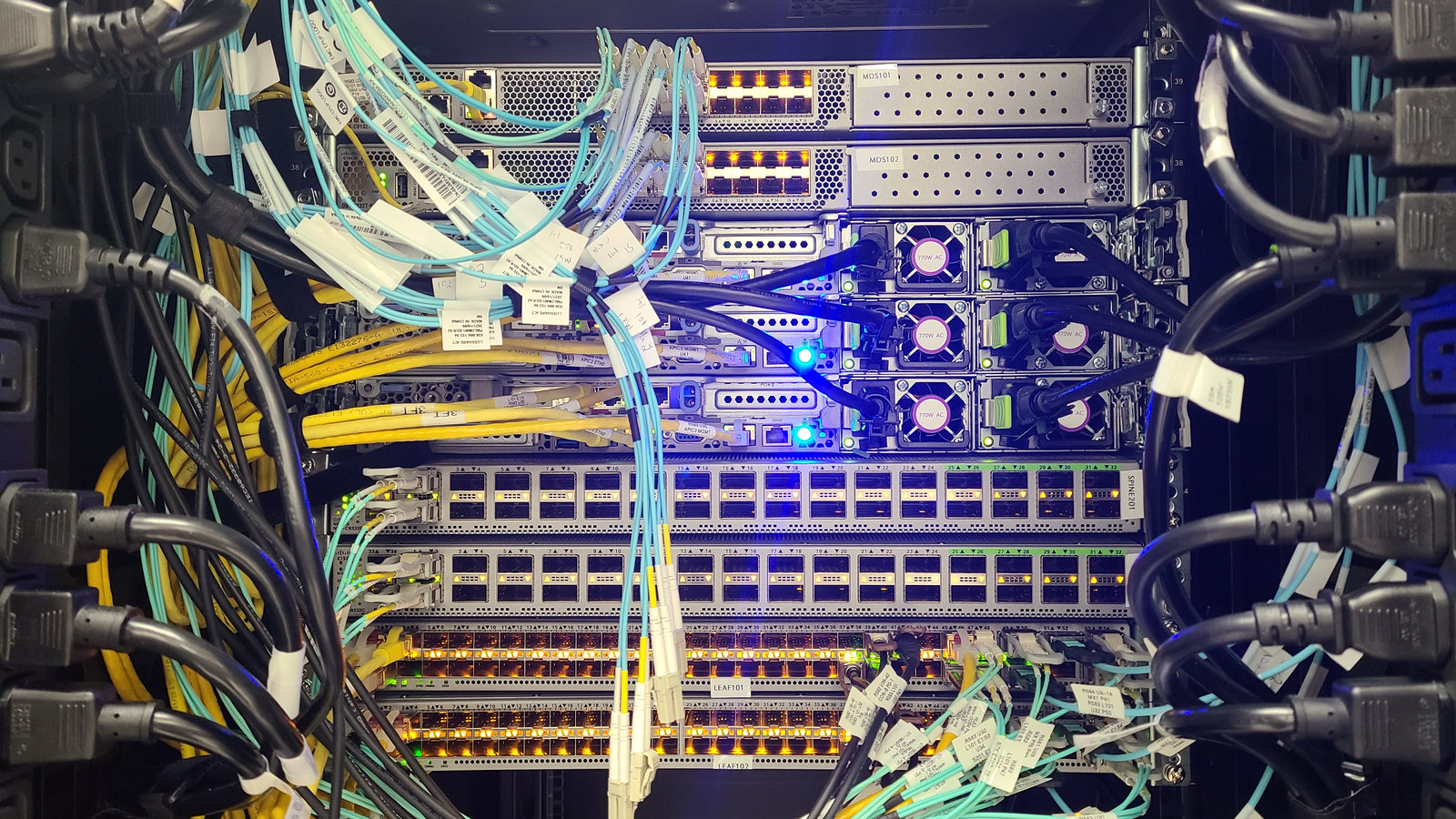
This guide focuses on pluggable data-center optics. Coherent 800ZR/ZR+ interconnects belong to a separate design exercise: Cisco describes these as DWDM transport products for amplified links. Their reach figures should not be applied to ordinary DR8 or FR4 links. Cisco coherent-optics data sheet
QSFP-DD versus OSFP: start with the host cage
QSFP-DD and OSFP are mechanically different module families. A QSFP-DD800 module does not plug directly into an OSFP800 cage, or vice versa. Juniper explicitly distinguishes the two in its form-factor documentation. Juniper form-factor guide
QSFP-DD expands the QSFP family with additional electrical contacts. OSFP means Octal Small Form-factor Pluggable. For either family, the usable speed, thermal design and supported operating modes come from the actual host and module combination.
| Check | QSFP-DD / QSFP-DD800 | OSFP |
|---|---|---|
| Mechanical fit | Match the exact QSFP-DD host cage | Match the exact OSFP host cage |
| Cooling | Confirm the host’s module cooling arrangement | Confirm the required integrated or riding heat-sink arrangement |
| Lower-speed use | Check the host’s supported module list and modes | Check the host’s supported module list, adapter policy and modes |
| Far-end selection | Match the optical interface, not just the housing | Match the optical interface, not just the housing |
These are purchasing checks, not a universal compatibility matrix. NVIDIA, for example, separates integrated-heat-sink and riding-heat-sink implementations for specified platforms. A seller’s “OSFP” description alone does not settle the cooling requirement. NVIDIA interconnect guide
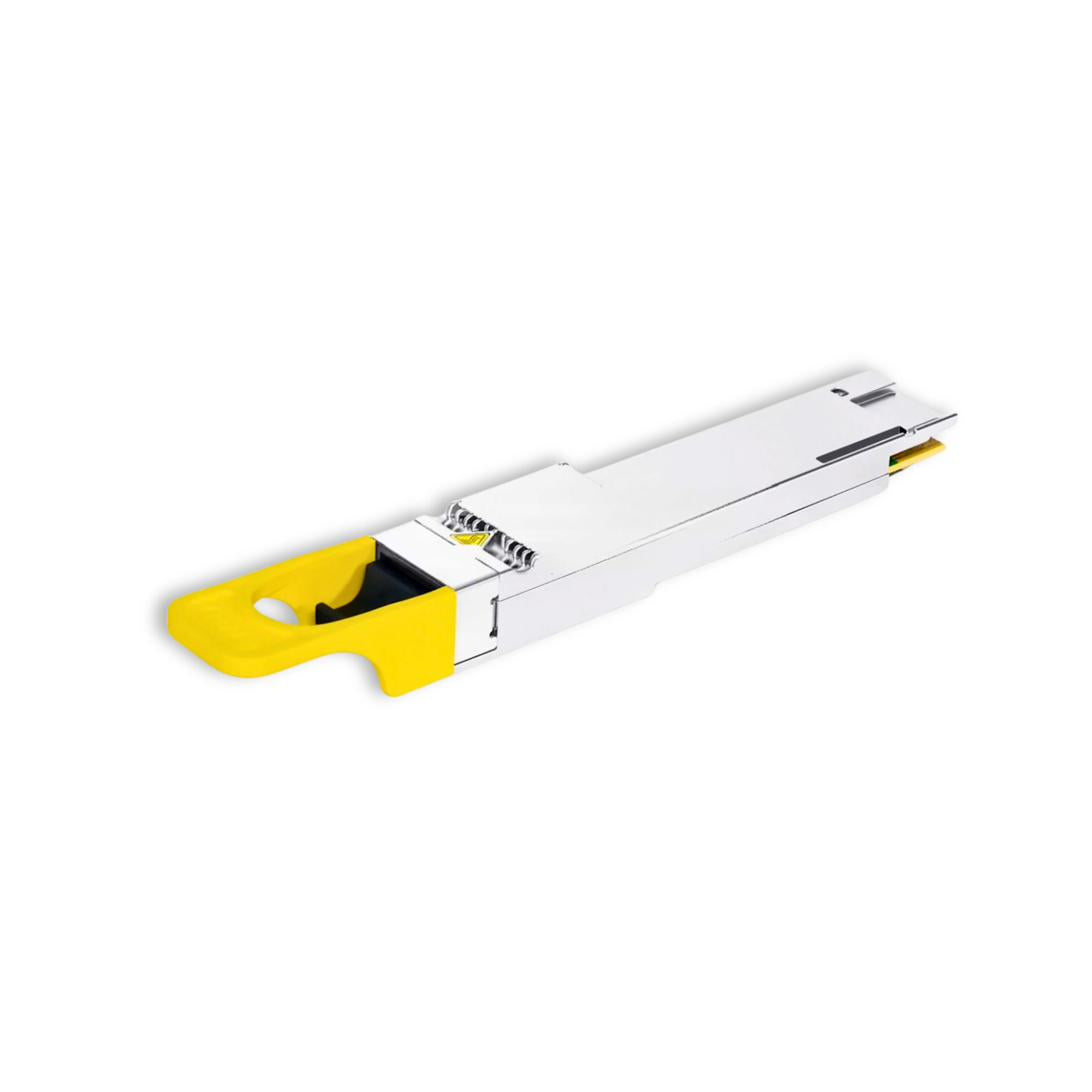
OSFP and QSFP-DD can interoperate optically when their Ethernet media types match. Each host must separately support its own module and operating mode. Arista 800G Q&A, page 4
One 800G module does not always mean one 800G link
Record the logical port mode separately from the module’s total capacity. Is the requirement one 800GbE service, two 400GbE services, or another explicitly supported breakout? The answer determines the far-end modules, cable assembly and switch configuration.
NVIDIA’s MMS4X00-NS-T documentation provides a useful example. The module presents 800 Gb/s of electrical connectivity to a Spectrum-4 switch through one OSFP package, with two 400GbE optical engines and two MPO-12/APC interfaces. That is a specific twin-port implementation, not a rule for every 800G module. NVIDIA twin-port overview
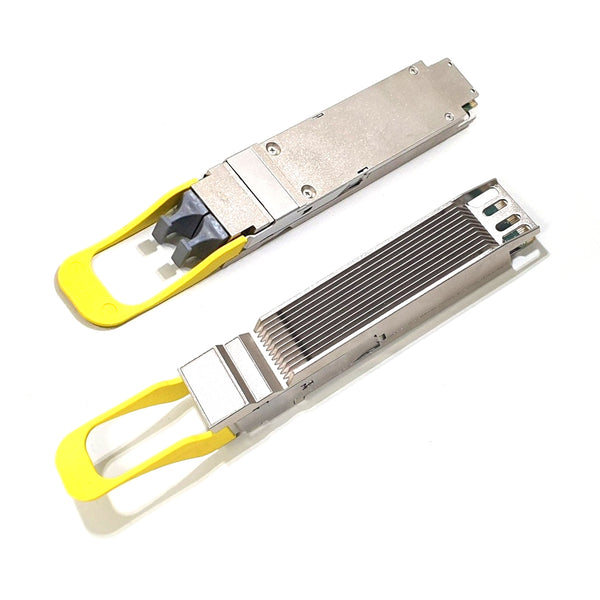
The cable cannot create a port mode the host does not support. Put the intended logical interfaces on the link drawing before asking for breakout cables. For a two-server connection, identify each server’s NIC, its optic and which optical lanes it receives.
Keep the protocol explicit as well. Ethernet and InfiniBand are separate requirements. NVIDIA identifies XDR as its 800G InfiniBand generation; an “800G” inventory label does not establish that a module supports the protocol and generation you need. NVIDIA interconnect FAQ
Choose the optical interface before choosing the cable
A reach label is only useful alongside its fiber type, optical interface and implementation. DR8 and 2×FR4 do not use the same fiber arrangement. Two modules can both be rated for an 800G-class application yet require different cabling.
The following table compares documented examples. It is a shortlist tool; confirm the complete ordering code and its current data sheet before purchase.
| Interface example | Documented reach and medium | Fiber / connector arrangement | First selection check |
|---|---|---|---|
| Cisco QDD-800G-VR8 | 30 m on OM3; 50 m on OM4/OM5 MMF | Eight fiber pairs; dual MPO-12 APC | Is the installed MMF class and route within the specified reach? |
| GIGALIGHT 800G QSFP-DD SR8 family | 60 m on OM3; 100 m on OM4 MMF | MPO-16 or dual MPO-12 options listed for the family | Confirm the exact connector variant in the quotation |
| Cisco OSFP-800G-DR8 | Up to 500 m on parallel SMF | Eight fiber pairs; dual MPO-12 APC | Verify the complete parallel-fiber path |
| Arista 800G-2FR4 family | Up to 2 km on SMF | Two duplex LC interfaces; four fibers total | Reserve both fiber pairs and confirm the required logical port mode |
Sources: Cisco QSFP-DD800 tables 2–3, GIGALIGHT SR8 ordering table, Cisco OSFP800 data sheet, Arista fiber table, page 7.
An eight-pair parallel interface uses sixteen active fibers. By contrast, a 2×FR4 implementation carries two sets of four wavelengths over two duplex pairs. Count the fibers required by the interface, rather than interpreting the connector’s name as the number of active fibers.
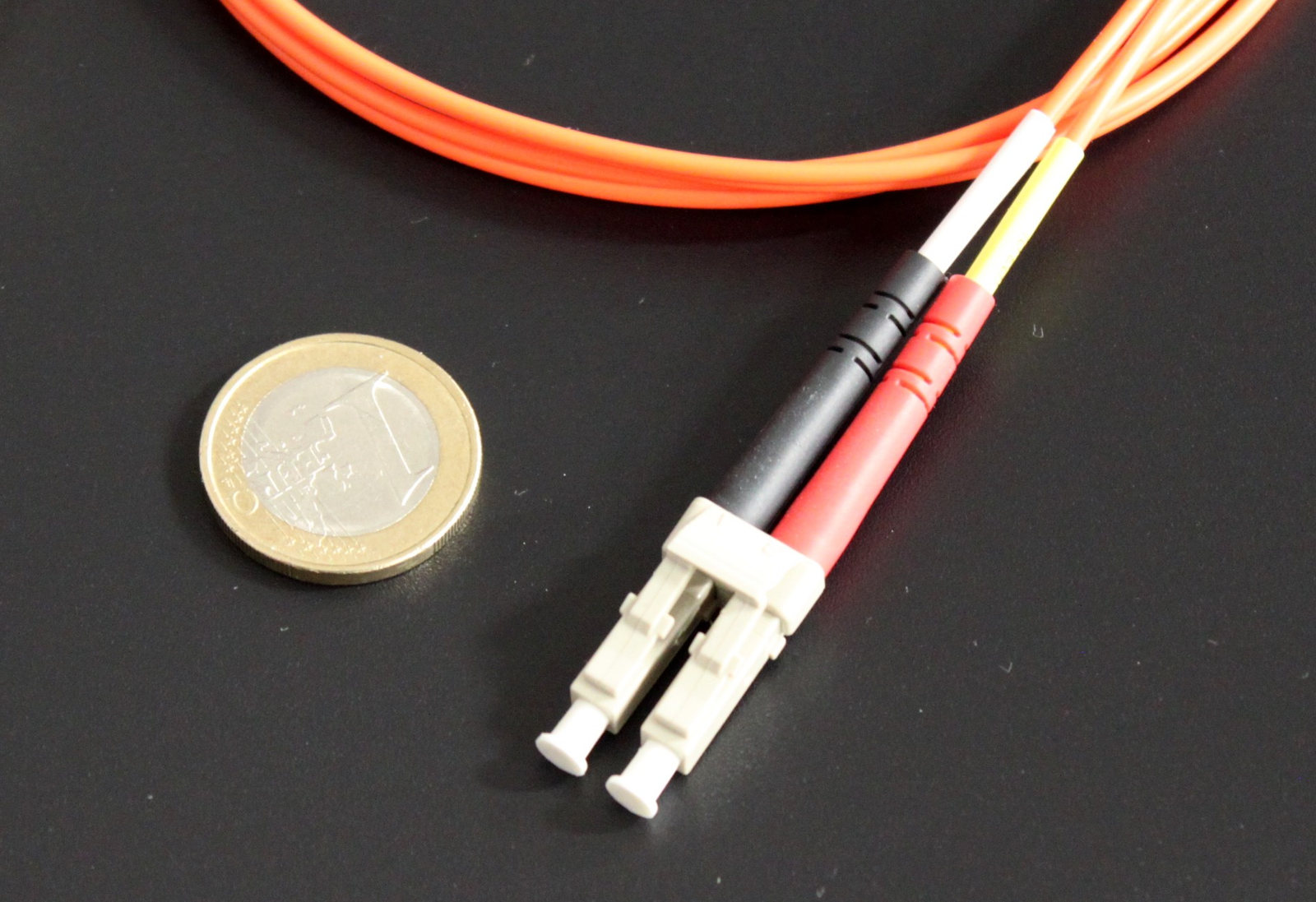

Also distinguish 800G 2×FR4 from 800G FR4 implementations that use 200G optical channels. Arista lists both eight-channel 100G optical designs and a four-channel 200G optical FR4 example using one duplex pair. The shared “800G” capacity does not make those optical interfaces interchangeable. Check electrical and optical lane arrangements separately. Arista interface tables, pages 7–8
For a brownfield project, this makes the installed cable plant an early input. Count usable fibers, patch panels and connector transitions before deciding whether to reuse a trunk or specify new cabling. Compare complete installed links, including the far-end optics and labor.
Check connector details and the complete loss budget
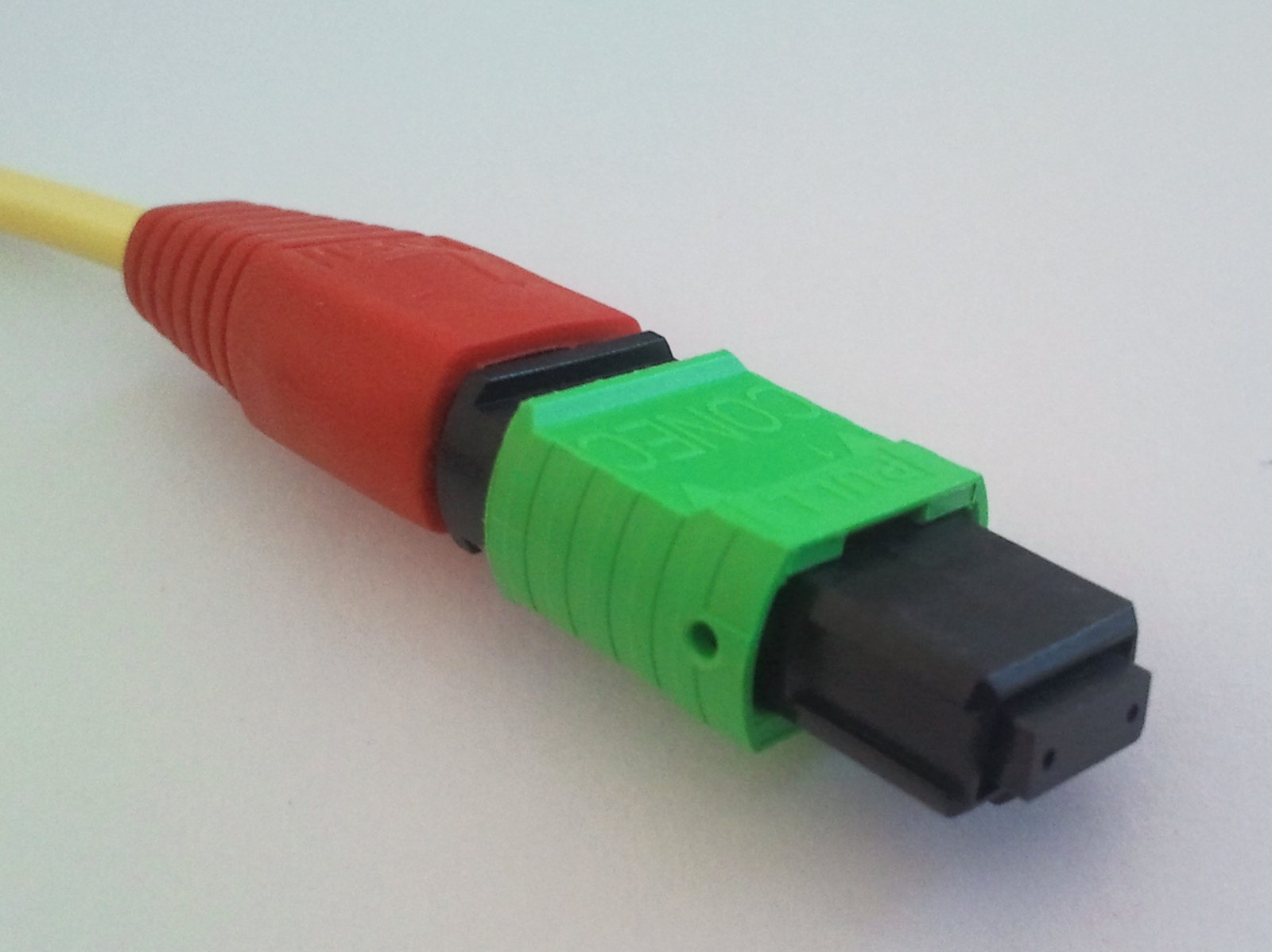
“MPO cable” is not a complete cable specification. Record fiber count, single-mode or multimode construction, connector polish, pinned or unpinned mating requirements, keying, polarity and lane mapping.
For its OSFP VR8 and DR8 examples, Cisco specifies APC MPO patch cords and describes the module ports as pinned, requiring unpinned cable connectors. Those requirements apply to the listed modules; they should not be generalized to every product with an MPO interface. Cisco OSFP800 connector notes

Route length is only one part of the optical budget. Connectors, splices and intermediate panels add loss. A route can meet the headline distance limit and still fail the complete channel requirements.
Consider a hypothetical planning example, not a measured link or a specification for any pictured product:
| Assumed input | Calculation | Loss |
|---|---|---|
| 350 m of fiber at 0.4 dB/km | 0.350 × 0.4 | 0.14 dB |
| Four mated connections at 0.35 dB each | 4 × 0.35 | 1.40 dB |
| Total splice allowance | Assumed | 0.20 dB |
| Estimated path insertion loss | 0.14 + 1.40 + 0.20 | 1.74 dB |
| Engineering reserve | Assumed | 0.50 dB |
| Planning requirement including reserve | 1.74 + 0.50 | 2.24 dB |
Against an assumed 3.00 dB allowable channel loss, the remaining planning headroom would be 0.76 dB. Replace every assumption with the selected module’s limits and the measured cable-path results. This calculation does not evaluate dispersion, reflections or transmitter quality.
Do not approve a link from average receive power alone. Cisco explicitly notes that a value above its listed minimum average receive power does not ensure compliance. Use the applicable channel limits, optical test criteria and platform error counters together. Cisco optical-specification note
Treat power and optical architecture as system requirements
Power figures belong to complete part numbers and stated conditions. A family name cannot establish the module’s maximum dissipation, required airflow or supported case temperature.
For example, Cisco lists 15 W maximum for QDD-800G-VR8 and 17 W for QDD-2X400G-FR4. They provide different optical interfaces, so those values are not evidence that one is a more efficient substitute for the other. Cisco QSFP-DD800 portfolio table
For a simple capacity-planning example, assume 64 installed transceiver ends:
64 × 16 W = 1,024 W; 64 × 12 W = 768 W
The difference is 256 W of module power under those assumptions. It excludes switch electronics, fans, power-supply losses and facility cooling. Count both ends of each optical link when estimating a network total.
There is also a difference between a retimed optical design and linear pluggable optics, or LPO. Alpine’s 800G LPO product brief describes linear transmit drivers and receive transimpedance amplifiers without an internal DSP/CDR ASIC. That architecture should be evaluated with the host electrical channel and qualification plan. Alpine/Eoptolink LPO brief
A lower advertised module power is not sufficient evidence for a drop-in LPO replacement. Request explicit approval for the switch, port mode, module and far-end combination, then verify it under the intended operating conditions. Do not turn a vendor’s module-level latency or power figure into a promise about training-job performance.
Silicon photonics and LPO also describe different design choices. One concerns optical integration; the other concerns the signal-processing partition. Neither label, by itself, proves compatibility, link margin or a fixed system-level saving.
Qualify the complete link before the volume order
Treat qualification as a small, documented engineering release. The following is a proposed acceptance workflow, not a claim that these links have been tested for this article.
- Freeze the configuration. Record both host models, software releases, port identifiers, operating modes and exact module ordering codes. Attach the relevant platform support evidence.
- Verify the cable path. Record fiber class, route length, connector details, lane mapping and measured insertion loss. Include patch panels and breakout assemblies.
- Bring up the intended mode. Confirm the actual speed and logical interfaces. Check the host’s required forward error correction (FEC) configuration and module-management behavior.
- Read lane-level evidence. Save the available diagnostics, alarms and FEC/error counters. A link-up indicator alone is insufficient acceptance evidence.
- Test the operating conditions. Agree on traffic, duration, temperature and neighboring-port population. Record the criteria before testing, rather than accepting whatever result appears.
- Freeze the approved combination. Save the passing configuration and define what changes—module revision, firmware, host software or cable path—require another review.
The Common Management Interface Specification (CMIS) is another field to confirm. It describes module management; a listed CMIS revision does not replace host support evidence. Cisco directs readers to its platform compatibility matrix for supported combinations. Cisco compatibility matrix
If the link fails, work through the recorded configuration: host support and mode, module identity, optical interface, cable path, diagnostics, then traffic results. Changing several variables together makes a successful retest hard to explain or repeat.
What to put in an 800G transceiver RFQ
A useful RFQ describes a link that engineering can approve. Ask suppliers to identify every proposed ordering code and any deviation from the request. Do not accept “800G compatible” as the only technical response.
| RFQ field | Information to provide or request |
|---|---|
| Host equipment | Switch/NIC model, port and software release at both ends |
| Protocol and mode | Ethernet or InfiniBand; required speed and breakout arrangement |
| Module identity | Manufacturer, complete ordering code, hardware and firmware revision |
| Form factor and cooling | QSFP-DD or OSFP; required heat-sink variant and host approval |
| Optical interface | Exact media type at each end; electrical and optical lane arrangements |
| Cable plant | Fiber class, routed length, connector count and measured loss |
| Connector specification | Type, polish, pinning, polarity, keying and breakout mapping |
| Power and environment | Maximum module power, required airflow and case-temperature limits |
| Acceptance evidence | Platform support, diagnostics, error/FEC criteria and test record |
| Purchasing controls | Quantity, provenance, revision control, return terms and change notification |
For a second source, repeat the engineering comparison and acceptance work. Matching the headline rate, wavelength or housing is not an approved substitution.
If you are reviewing unfamiliar specifications, use the datasheet-reading workflow to separate operating limits, typical values and test conditions. For a sourcing discussion, contact ApexComponent with the exact part numbers, quantities and completed link requirements. Stock, pricing, lead time and platform acceptance need confirmation for the specific request.
Frequently asked questions
Does an 800G transceiver work in a 400G port?
Only if the module supports the lower-rate mode and the host supports the required electrical interface, power and cooling. Check the platform’s documented approval. Arista lower-rate guidance, page 4
Does 800G mean 800 gigabytes per second?
No. The nominal unit conversion is 800 gigabits per second ÷ 8 = 100 gigabytes per second. That arithmetic does not account for overhead or establish measured application throughput.
Is LPO always the better choice for an AI cluster?
It is a candidate when the intended host and complete link can be qualified for it. Compare accepted system configurations, operational support and measured results. A module power figure alone does not settle the choice.
Should every short link use an optical transceiver?
Compare the host’s approved copper and optical cable options for the actual route. Selection depends on reach, serviceability, power and installed cost. Do not specify separate pluggable optics automatically when an approved cable assembly meets the requirement.
Featured photograph: Eoptolink / Lightwave (2024).