
Table of Contents
The Ultimate Guide to IC Replacement and Component Cross-Reference
Why This Matters
You have a BOM. One line has a problem. Maybe the part went NRND. Maybe lead time jumped from 8 weeks to 30. Maybe your procurement team found a cheaper “equivalent” and wants you to sign off.
This happens every day. The following picture is a composite of real procurement events — not one company’s story, but a pattern we see repeatedly:
A mid-size industrial controls company used an MCU that went on allocation. Lead time: 26 weeks, no commitment. The hardware team found a cross-reference part — same core, same package, similar parametric. It passed the first bench test. Three months into production, the firmware team found a register map mismatch. Fix: six weeks of rework. Production delayed. The “quick swap” cost more than the original design.
Three things drive replacement urgency right now:
NRND waves. MPS alone has marked MP2144, MP2307, NB677, and MP2482DN as Not Recommended for New Designs.
Lead time blowouts. ADI channel inventory compressed below 6 weeks; some ICs hit 30+ week lead times.
Price shocks. ADI raised prices 15% in February 2026, military-grade /883 parts up to 30%.
Finding an alternative is easy. Knowing whether it will actually work — in your operating conditions, for years of production — is the hard part. This guide walks through the full alternative components evaluation workflow: find, match, verify, and avoid the traps that datasheets do not show you.
The Substitution Spectrum: 4 Tiers
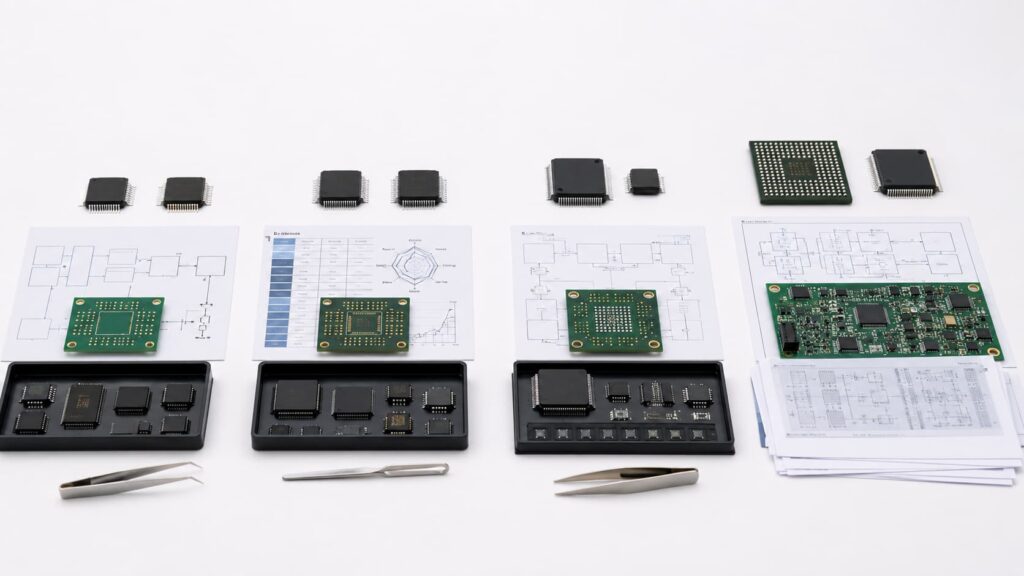
Calling something “compatible” without defining the tier is how mistakes happen.
| Tier | What Changes | Validation | Timeline | Risk |
|---|---|---|---|---|
| Tier 1: Drop-In | Nothing | Spot check | 1-3 days | Low |
| Tier 2: Pin-Compatible | BOM line | Full bench test | 1-2 weeks | Medium |
| Tier 3: Functional Equivalent | PCB layout + BOM | Design verification | 4-8 weeks | Medium-High |
| Tier 4: Redesign | Architecture | New design cycle | 3-6 months | High |
Tier 1 — Same package, pinout, voltage range, temperature grade. Example: two suppliers making the same 78M05 in TO-252. True drop-ins are rare outside commodity linear regulators and discretes.
Tier 2 — Same footprint and pinout. Electrically “close” but not identical. Example: two buck converters in SOT-23-6. Switching frequency may differ (1.2MHz vs 1.5MHz) — inductor value needs adjustment, ripple will differ. Pin-compatible ≠ functionally identical.
Tier 3 — Same function, different package or pinout. PCB change needed. Example: MP2144 (NRND, SOT583) → MP2182 (different package). Function is the same, the board is not.
Tier 4 — No viable alternative exists. Architecture-level redesign. Months, not weeks.
A procurement team asking “can we use this cheaper part” usually assumes Tier 1 or 2. Engineering reality is often Tier 3. That gap is where budgets and schedules break.
How to Find Alternatives: The Search Pyramid
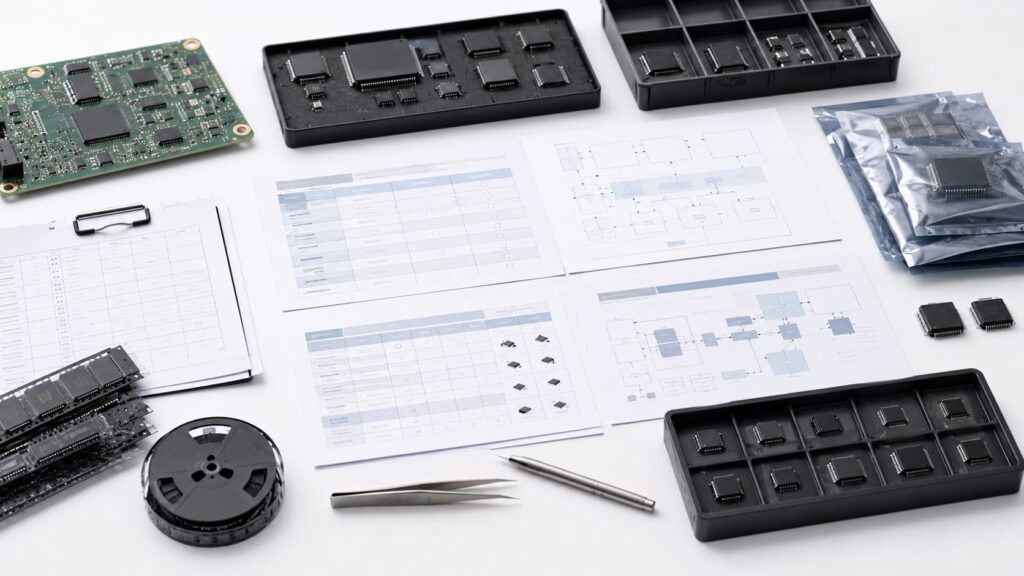
Start at the bottom, go up only when the layer below fails.
| Layer | What to Use | Best For |
|---|---|---|
| 1. Manufacturer Tools | TI, ADI, ST, onsemi cross-reference | You know the MPN, original brand has suggestions |
| 2. Distributor Search | DigiKey, Mouser parametric | Filter by package, voltage, current, stock |
| 3. Dedicated Engines | X-Refs (free), Z2Data/SiliconExpert (paid) | Lifecycle risk + deep parametric comparison |
| 4. Community | EEVblog, manufacturer forums | Niche/obsolete parts, starting points only |
| 5. General Search | Google “[MPN] equivalent” | Last resort — quality varies wildly |
For one or two parts: manufacturer tools + DigiKey. Free, fast, good enough. For a full BOM review or second-source program: invest in a paid tool with API access — the subscription cost is noise compared to a field failure.
The FFF Validation Framework
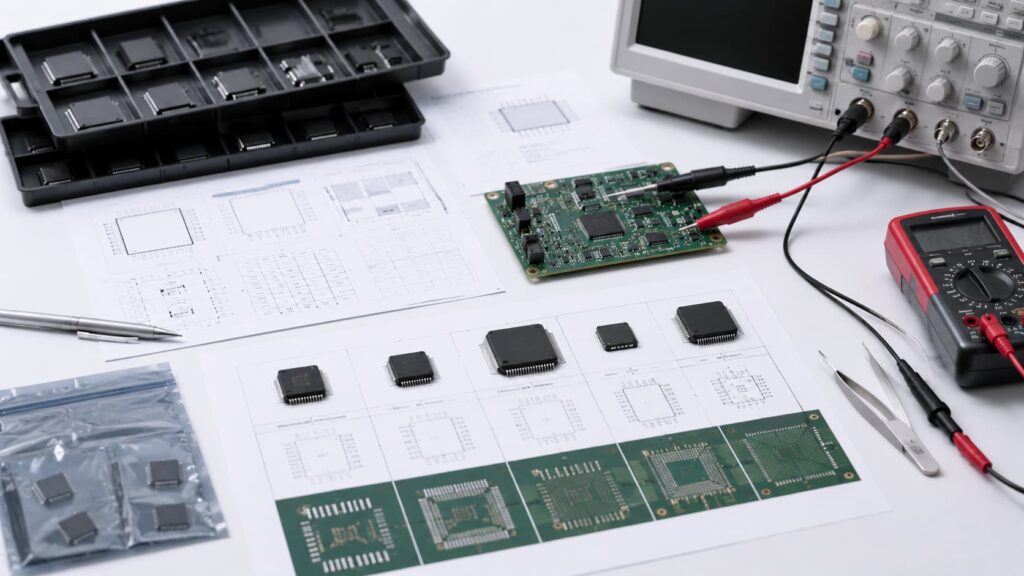
FFF (Form-Fit-Function) is the standard. Most people rush through it. Do each step properly.
Form — Physical dimensions, footprint, mounting. Do not trust package names — SOT-23 can mean 3-pin, 5-pin, or 6-pin. Check the JEDEC Publication 95 outline code. Compare land pattern drawings side by side, not the package label.
Fit — Pinout, signal mapping, electrical interface. Go pin-by-pin. Power and ground pins are the most dangerous to get wrong — swap VCC and GND, and the part is destroyed on first power-up. Same SOT-23-6 package, completely different pin assignments: Pin 1 could be VIN on one, EN on the other.
Function — Electrical performance across all operating conditions. Test at no load, full load, load step. Test at min and max temperature. Check corner cases: UVLO, short circuit, light load. Testing at room temperature with a resistive load and calling it done is how problems reach production.
Beyond FFF: Three Failure Modes You Cannot See on a Datasheet
FFF checks whether two parts look the same on paper. It does not catch differences that are invisible on a datasheet. None of the top 10 search results for “ic replacement” cover these in a structured way.
Category 1: Parameter Means Different Things in Your Context
MP2144 specifies Iq at 40µA. ADP2106 specifies 20µA. Both are 2A buck converters. The difference looks small.
But in a battery-powered IoT sensor that sleeps 99.5% of the time, quiescent current dominates energy budget. 40µA vs 20µA means 1.5 years vs 3 years of battery life. For a wall-powered device, the same 20µA difference means nothing.
How to catch it: Ask “what does this parameter mean for my design” — not just “does it pass a threshold.”
Category 2: Same Number, Different Test Conditions
Infineon IPD50N04S4L-08: RDS(on) = 10.5mΩ at ID=25A, VGS=4.5V. Vishay SUD50N04-8m8P: RDS(on) = 10.5mΩ at ID=15A, VGS=4.5V.
Both datasheets say 10.5mΩ. A parametric search ranks them as a match. But the test current differs by 67%. RDS(on) rises with temperature, and temperature rises with current. At 25A, the Vishay part will be significantly higher than 10.5mΩ — potentially 40-60% more. In a motor driver switching 20A, that means more heat and possible thermal shutdown in the field.
How to catch it: Always read the test conditions above the parameter column. If conditions differ, test under your actual load.
Category 3: Architecture Break — Looks Similar, Fundamentally Different
NXP S32K118 (48-LQFP, 7×7mm) vs FS32K118 (64-LQFP, 10×10mm). Same ARM Cortex-M0+ core. Same product family. But different packages, different pin counts, different peripheral-to-pin mapping. Zero pad overlap. Even if you redesign the board, firmware needs register map changes.
⚠️ **Not a drop-in replacement** — requires firmware recompilation and register map migration. Budget for firmware porting as a separate work package, not “a few tweaks.”
Which Failure Mode to Watch For
| Design Type | Watch For |
|---|---|
| Battery-powered | Category 1: quiescent current, light-load efficiency |
| High-current switching | Category 2: RDS(on) test conditions, SOA curves |
| MCU/firmware-dependent | Category 3: exact package, pin map, register compatibility |
| Automotive/industrial | All three — every parameter shifts at temperature extremes |
Special Cases
Obsolete parts: Check the manufacturer’s PCN first for a recommended replacement. If none exists, work the search pyramid. Last-time-buy is a bridge, not a destination — do not design in a part with no future supply.
Automotive (AEC-Q100): The replacement must carry the same or higher grade and come with PPAP documentation. A drop-in electrically may still be unusable if the paperwork does not follow.
FAQ
What is the difference between drop-in and functional equivalent?
A drop-in (Tier 1) needs no PCB or firmware changes. A functional equivalent (Tier 3) performs the same function but may need a different package, pinout, or board layout. Confirm which tier you are getting before committing.
How long does it take to qualify a second source?
Tier 1: days. Tier 2: 1-2 weeks. Tier 3: 4-8 weeks. Tier 4: months. Add weeks for automotive or medical certification paperwork.
Can I trust automated cross-reference tools?
They are good at building a shortlist. They are not good at validating. Always bench test before shipping a cross-reference suggestion.
What if no replacement exists for my obsolete IC?
Start thinking Tier 4 redesign. Check independent distributors for last-time-buy stock while you redesign. Consider a redesign before chasing risky broker stock for long-term production.
When should I redesign instead of substituting?
When no viable alternative exists (Tier 4), when qualification cost exceeds redesign cost, or when the substitute introduces its own supply risk (e.g., already NRND).
Finding a replacement is a structured process. Use the search pyramid to build a shortlist, run FFF for basic compatibility, and check the three failure modes — parameter context, test conditions, architecture traps — before you commit.
Start with the FFF checklist. It costs nothing and catches the most common mistakes.
For specific cross-reference help, submit your BOM through our contact page.

Alice lee
Business Manager
Focused on the electronic components sector, the author shares industry knowledge, product insights, and sourcing perspectives related to modern electronics manufacturing. With close attention to market trends, component applications, and supply chain developments, the content is designed to support engineers, buyers, and businesses in making more informed decisions.